🚀 Quick Start
1. Download the Installer
First, you need to get the latest Penio installer. Click the button below to go to the download page.
Go to Download Page2. Add App Permissions (macOS)
On macOS, you need to grant Penio Accessibility and Input Monitoring permissions to ensure the click effects and keyboard display features work properly.
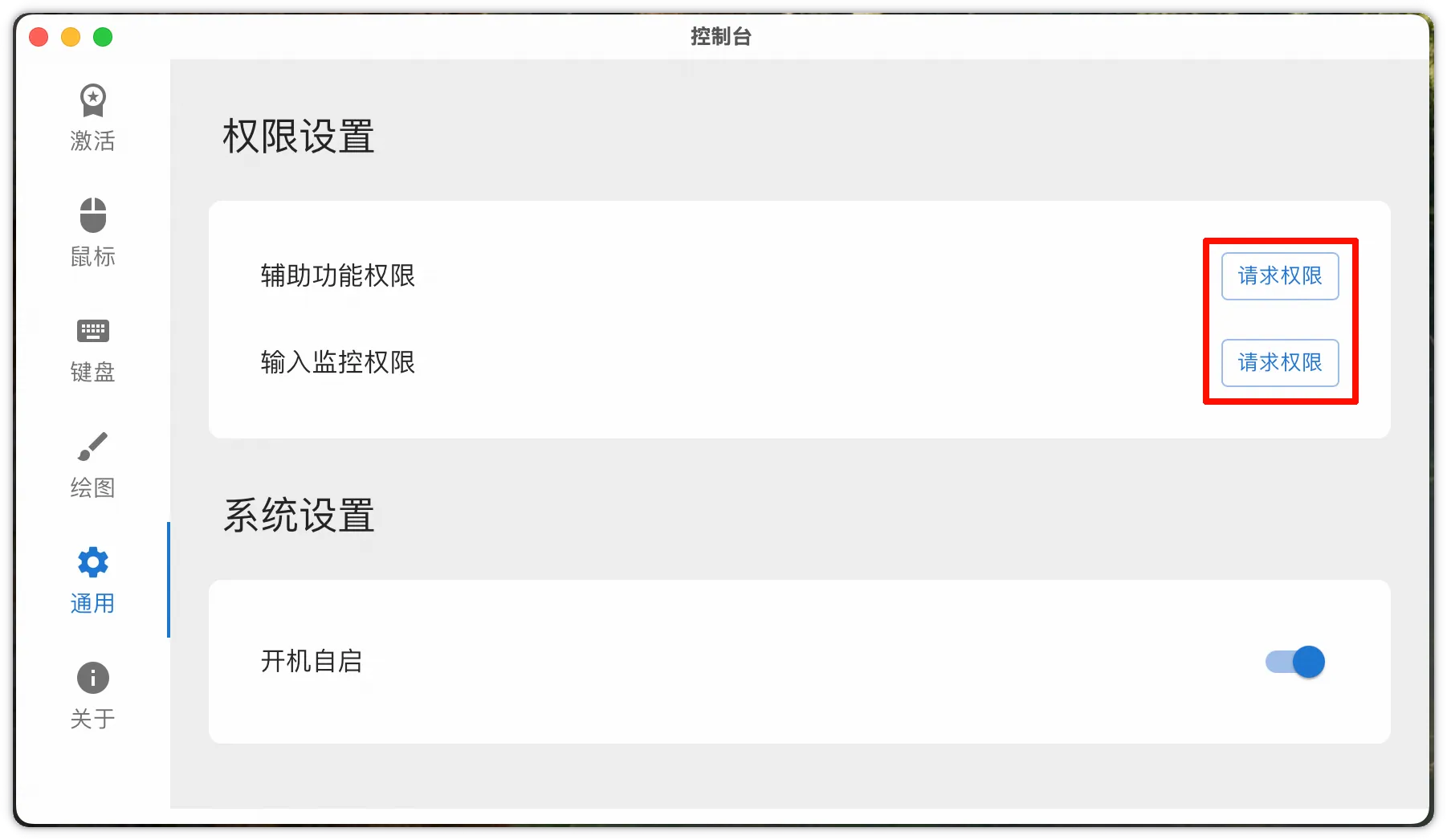
3. Launch Penio
After installation, launch the Penio application to start using the rich mouse click effects and keyboard display features.
Water Ripple
4. Enter Screen Drawing Mode
Press Alt+` to enter "Screen Drawing Mode" and start drawing and annotating on your screen.